Document Collection Layer - Smart File Vault for WhatsApp Business OS
Automate government ID collection, auto-name client paperwork, and sync files natively to your OneDrive, Google Drive, or company NAS storage directly from WhatsApp.
DOCUMENTS LAYER MODULE
Automated Document Intake & Auto-Naming
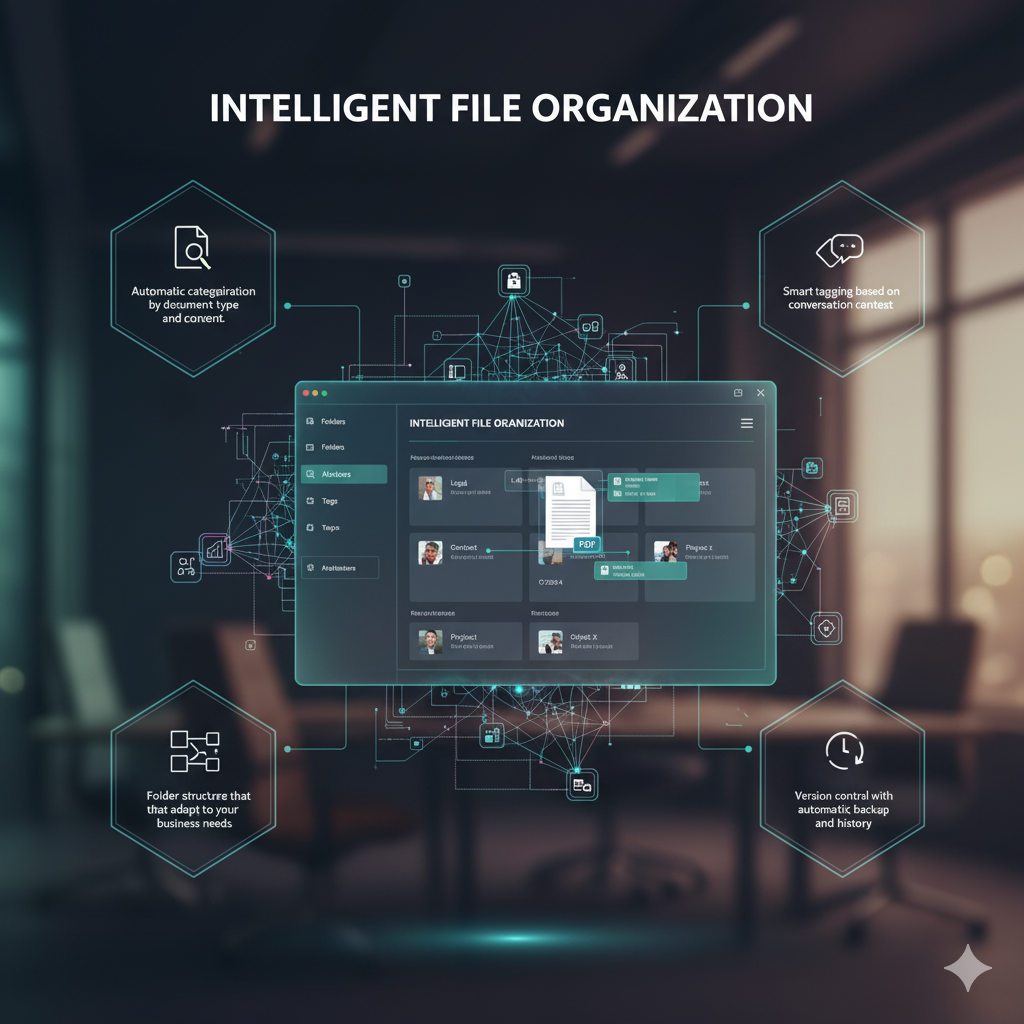
Reclaim hours wasted sorting attachments. As clients upload Aadhaar cards, business licenses, or tax registries, our Documents engine auto-renames, folders, and links the file back to their CRM profile card.
- Auto-renaming of client attachments based on profile data
- Extraction of government details and tax PAN strings
- Context-linked folder creation mapped to client IDs
- Instant confirmation back to the customer on chat
SECURE STORAGE CLOUD SYNC
Real-time Sync to Enterprise Storage
No file remains locked in a chat thread. Integrate your storage ecosystem natively and keep files flowing directly into your centralized file directory with role-based team controls.
- Direct real-time sync to Google Drive & OneDrive folders
- Enterprise NAS & custom FTP storage syncing via API
- Audit logs detailing who opened, renamed, or deleted files
- Granular team role permissions for document access

Structured Document Coordination Suite
Integrated seamlessly with the CRM & Work Execution Layers of the OS
Smart KYC Checklists
Verify client paperwork on-the-fly and automatically check off items from active SOP execution lists.
Contextual File Search
Search and open documents by client name, phone number, category, or project status right from the workspace.
Secure Client Sharing
Send contracts and review packets to clients on WhatsApp with automated expiration and review limits.
Audit Trails
Maintain strict record-keeping compliant with tax, legal, and operational oversight systems.
Multi-Folder Mapping
Map specific document types to separate folders (e.g. GST files to Audits folder; Aadhaar to KYC folder).
Enterprise Encryption
Keep client documentation secure in transit and at rest using banking-grade compliance protocols.
Deploy Your WhatsApp Document Vault
Collect, verify, and sync business documents with zero friction directly inside WhatsApp.
File Upload & Syncing
How document collection works in WhatsApp
WhatsForm support covers PDFs, Word documents, Excel sheets, images (JPG, PNG, GIF), audio files, and ZIP files. File sizes up to 100MB are supported.
Once a document is received, our system auto-processes it and pushes a copy to your designated Google Drive, OneDrive, or custom cloud server, creating an organized client directory.
Compliance & Controls
Keeping client data protected and compliant
Yes. All data is encrypted at rest and in transit, and you maintain complete control over file storage locations, ensuring strict alignment with regulatory benchmarks.
Absolutely. Using the Customer Relationship Management Layer permissions, you can control which agents or supervisors have permission to view or download sensitive client files.
Ready to Transform Your WhatsApp Business?
Connect today for a personalized demonstration and see how WhatsForm can enhance your business communication.